Repomix: Pack Your Entire Codebase for AI in a Single File
🇬🇧 Pack your codebase into a single file with Repomix. Explain your project to AI in seconds and speed up your analysis processes.
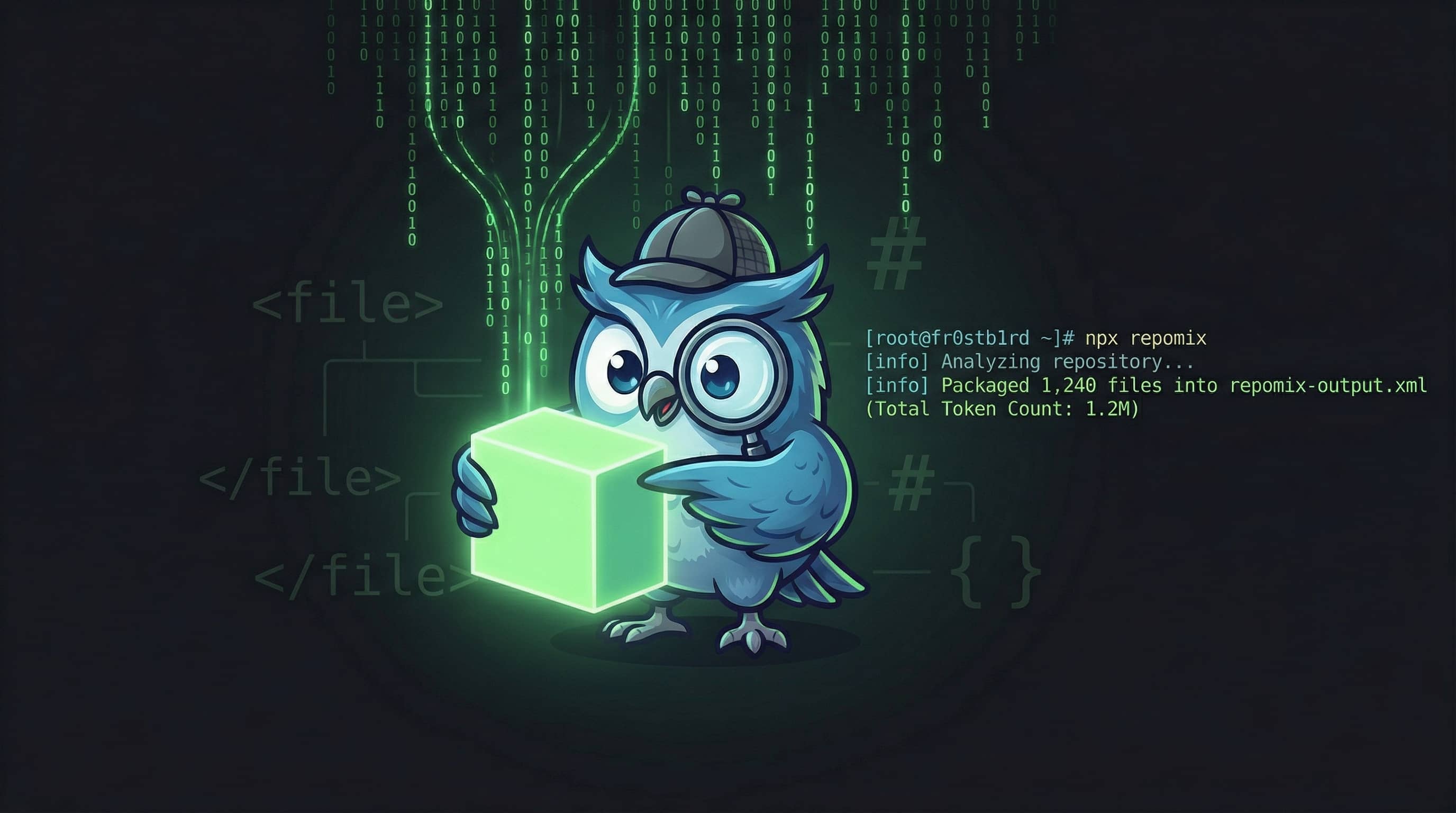
You have a complex, multi-file project and want to get help from AI for debugging or refactoring. Copying and pasting files one by one is a complete torture, right? This is exactly where Repomix (formerly Repopack) comes to the rescue. | 🇹🇷 Türkçe
What is Repomix?
Repomix is a powerful CLI tool that packs your entire repository into a single file in a way that AI models (Claude, ChatGPT, Gemini, DeepSeek, etc.) can understand best. It doesn’t just combine files; it also optimizes the output file into formats like XML, Markdown, or JSON that allow AI to better grasp the context.
Key Features
- AI-Optimized: Presents your code in formats that AI can easily parse.
- Token Counting: Shows the total token count for both each file and the entire output (critical for not exceeding LLM limits).
- Security Focused: Thanks to its Secretlint integration, it prevents you from accidentally including your API keys or passwords in the output.
- Smart Compression: Saves tokens by pruning unnecessary details without breaking the logic of the code using the
--compressoption. - Git-Aware: Automatically respects your
.gitignorerules.
Quick Start
You can instantly try Repomix with npx without installing it on your computer:
1
npx repomix
This command will scan the entire project in your current directory and create a file named repomix-output.xml.
Installation (Global)
If you want to use it constantly:
1
2
3
4
5
# via npm
npm install -g repomix

# Alternatively (macOS/Linux)
brew install repomix
Practical Use Cases
1. Code Review
Upload your packed file to the AI and give this prompt:
“This file contains my entire project. Review the overall architecture and point out the weak points you see in terms of scalability.”
2. Generating Documentation
“Based on this codebase, generate a detailed README.md file containing installation steps and API usage examples.”
3. Writing Test Cases
“Suggest a comprehensive set of unit tests containing edge cases for the main functions.”
Advanced Commands
It is also possible to include only specific files or pack a remote repository:
1
2
3
4
5
6
7
8
# Only grab TypeScript files under src, do not include logs
repomix --include "src/**/*.ts" --ignore "**/*.log"

# Pack a remote GitHub repository without pulling it locally
repomix --remote yamadashy/repomix

# Get the output in Markdown format
repomix --style markdown
Conclusion
Especially for those who love Arch Linux and terminal-based workflows like me, Repomix takes the AI-assisted code development process to a whole new level. Instead of wasting time with manual copying, packing the project in seconds and presenting it to the AI as a “Snapshot” minimizes context errors.
If you are struggling to explain your projects to AI, I highly recommend checking out repomix.com or trying out the CLI tool. You can also visit Repomix’s GitHub page: https://github.com/yamadashy/repomix